Player Head Generator
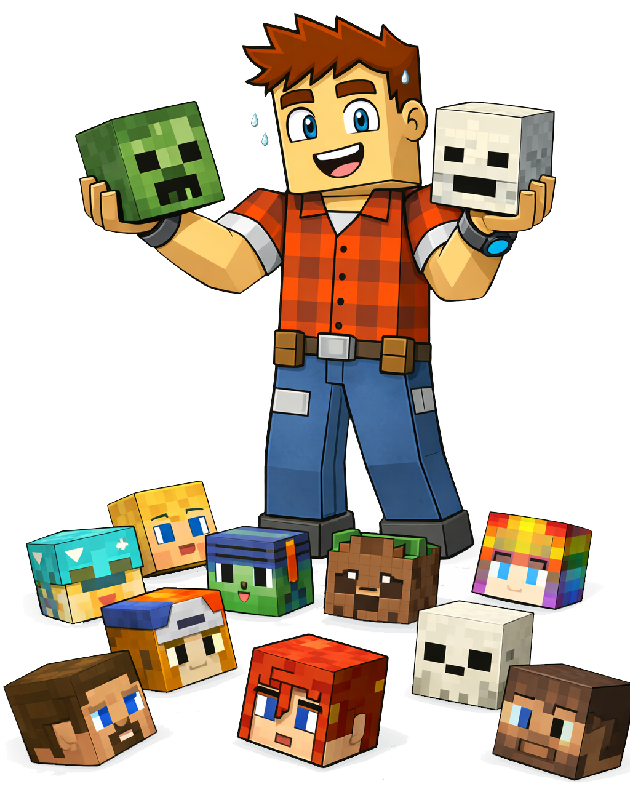
Collect your friends' heads. Well, their Minecraft heads. Wearable, placeable, and dropped as loot when you take them down. Build your trophy collection one kill at a time.
Upgrade to Bedrock persona heads?
This pack was built before persona support. We can try to upgrade each head to a proper 3D Bedrock persona model (hair, accessories, Character Creator items). Heads we can't upgrade will keep their original skin.
Upgrading heads…
Checking 0 of 0
Upgrade complete
Upload an existing .mcaddon to add more heads
Or start fresh by adding gamertags below
Extracting addon...
64x64 PNG skin file. The name must match the player's in-game name exactly for death drops to work.
No players added yet
Enter a gamertag above to get started
How It Works
Three steps. That's it. No command line wizardry, no file surgery, no computer science degree required.
Build Your Pack
Type in each player's gamertag and pick their platform. Bedrock pulls their full 3D persona straight from Minecraft — hair, accessories, Character Creator outfits, the works. Java fetches their 2D skin and wraps it around a standard head. Add as many as you like — your trophy case, your rules. When you're happy, hit download and we'll package it all up into a ready-to-go .mcaddon file.
Install It
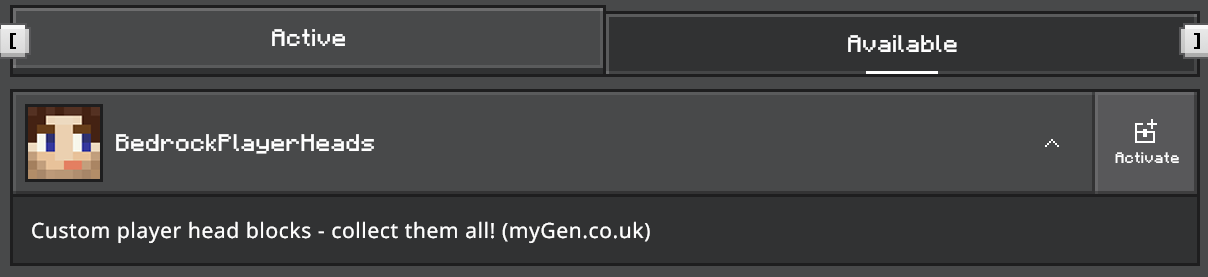
Open the .mcaddon file and Minecraft will import it automatically. Create or edit a world, go to Behavior Packs, and activate it — the Resource Pack will apply itself automatically because the packs are linked. No Beta APIs required — this runs on the stable Script API. Double-click, activate, done.
Start Collecting
Your heads are ready. Here's what you can do with them:
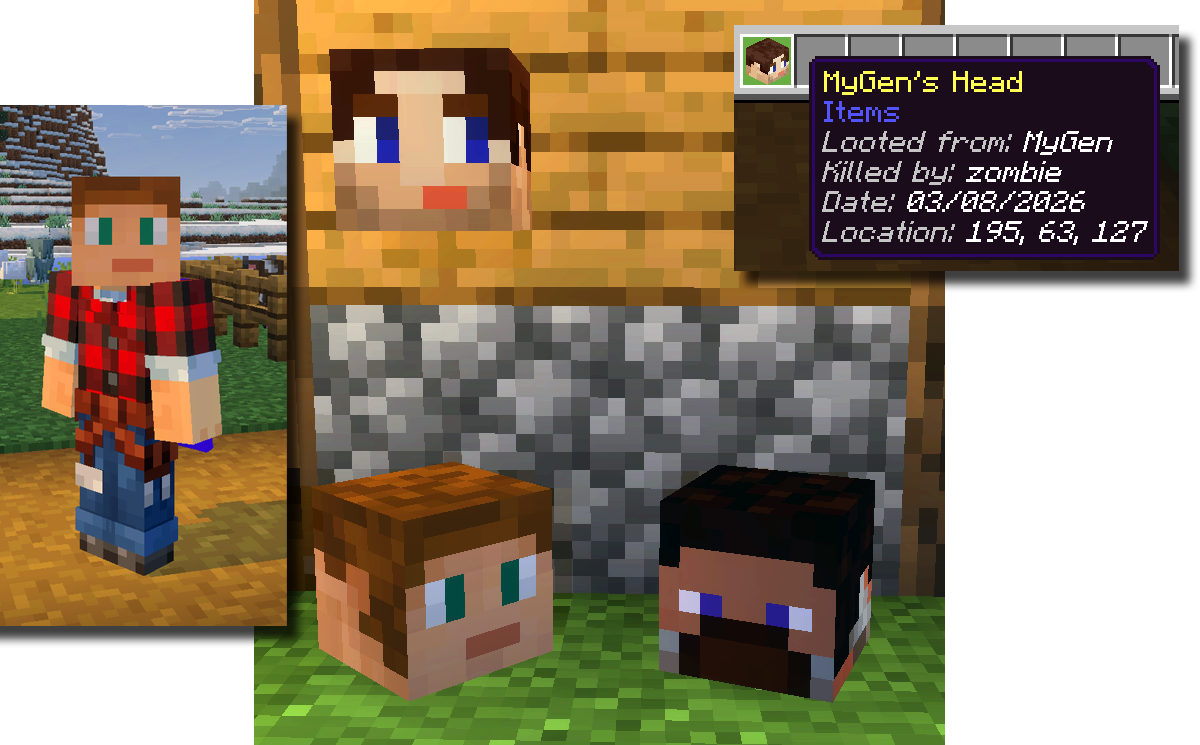
- ■ Place them — decorative blocks that rotate to face you when placed. Trophy wall material right there.
- ■ Wear them — pop one in your helmet slot and walk around as your mate. Assert dominance.
- ■ Loot drops — defeat a player whose head is in the pack and it drops as an item, complete with a lore tag showing who claimed the kill. Bragging rights included.
Can't Find a Skin?
We pull different data depending on the platform you pick. For Bedrock players, we fetch the 3D persona straight from Minecraft's servers — this works for anyone who's signed in and customised their character, which is almost everyone. If a Bedrock player has a classic uploaded skin instead of a persona, we fall back to GeyserMC, which requires them to have connected to a Geyser-enabled Minecraft server at least once. For Java players, we fetch their skin from Mojang's profile service — no extra setup required.
If we can't find a Bedrock player, point them to bedrocktogether.com — our sister site. Connecting to the hub automatically uploads their skin to the Minecraft skin servers. One quick join and they're good to go.
Or upload a skin file directly using the upload option above — works for any player whose 64×64 skin PNG you already have. Just enter their exact in-game name and drop the file in.
Already Got a Pack?
Need to add more heads to a pack you've already built? Upload your existing .mcaddon using the upload area at the top of the page. We'll extract all your current players, let you add or remove heads, and repackage the whole thing with a bumped version number. Same UUIDs means Minecraft treats it as an update — no need to remove the old pack first.